


Navigating the world of Microsoft software can feel overwhelming. With a vast array of applications designed for different purposes, finding the right tools for your specific needs is crucial. This guide aims to simplify the process, helping you understand the key Microsoft software options and choose the perfect match for your personal or professional endeavors.
Understanding Your Needs
Before diving into the specifics of each software, take some time to assess your requirements. Consider these questions:
- What tasks do you need to accomplish? Are you primarily focused on word processing, data analysis, presentations, communication, or a combination of these?
- What is your level of expertise? Are you a beginner, intermediate, or advanced user? Some software offers more advanced features and customization options than others.
- Do you need to collaborate with others? If so, consider software that facilitates teamwork and file sharing.
- What is your budget? Microsoft offers various subscription plans and standalone software options with different pricing structures.
- What devices will you be using? Ensure the software you choose is compatible with your computer, tablet, or smartphone.
The Core Microsoft Software Suite
The Microsoft 365 suite, formerly known as Office 365, is a collection of applications designed for productivity and collaboration. It’s available through subscription plans, offering ongoing updates and cloud storage. Here’s a breakdown of the core components:
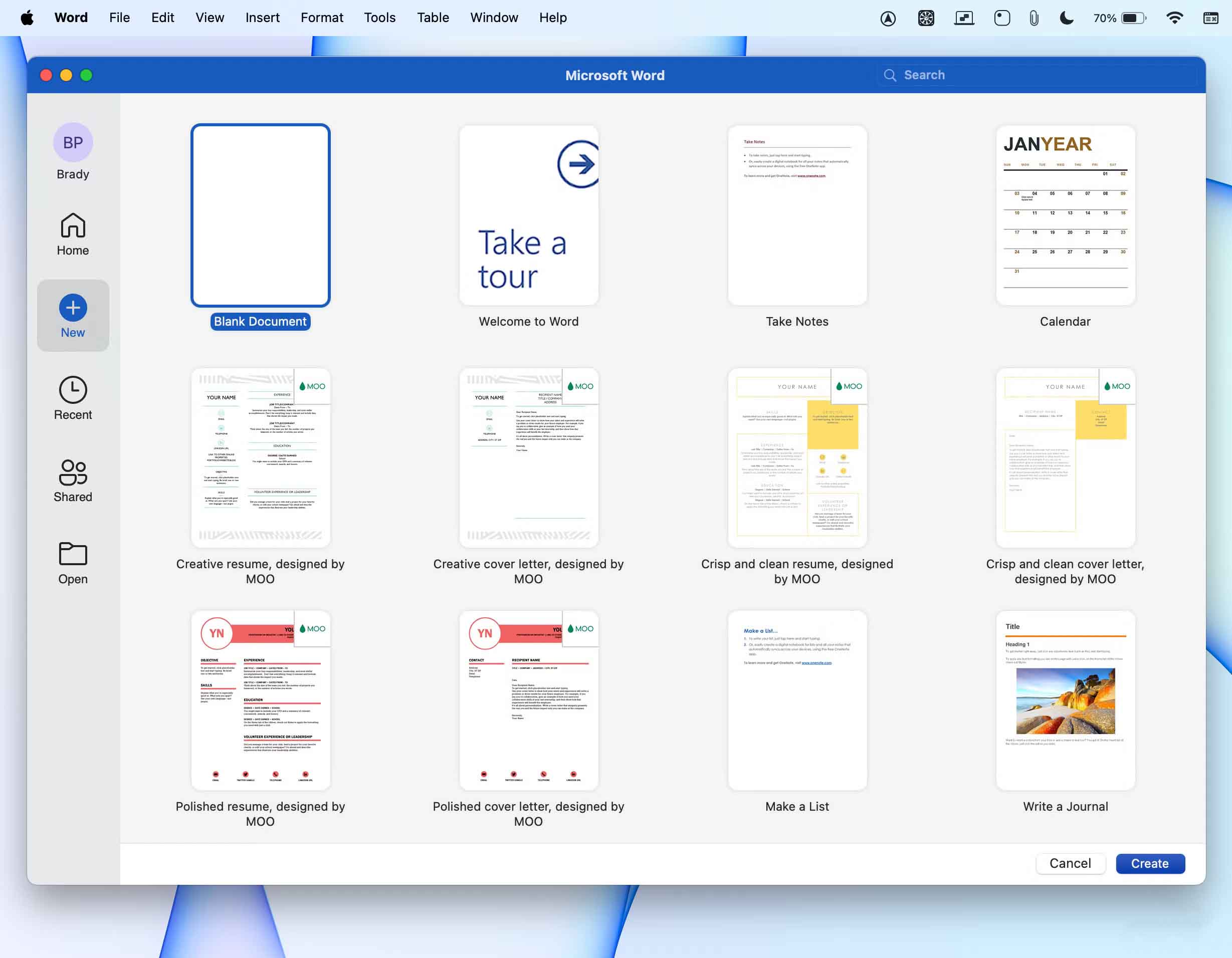
Microsoft Word
The industry-standard word processor. Ideal for writing documents, reports, letters, and more. Offers a wide range of formatting tools, templates, and features for collaboration.
Microsoft Excel
A powerful spreadsheet program used for data analysis, calculations, and creating charts and graphs. Essential for managing budgets, tracking inventory, and organizing data.

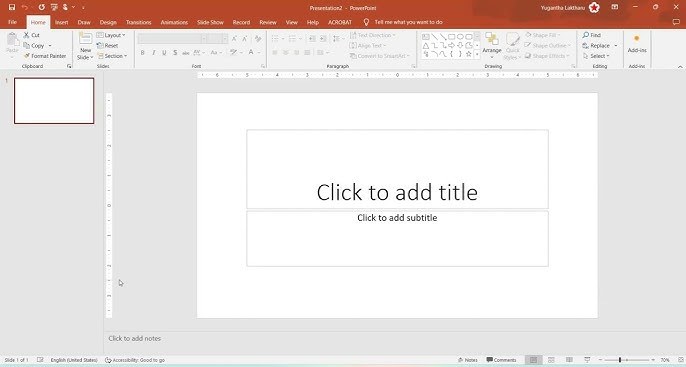
Microsoft PowerPoint
Designed for creating visually engaging presentations. Offers various templates, animation effects, and multimedia integration to deliver impactful messages.
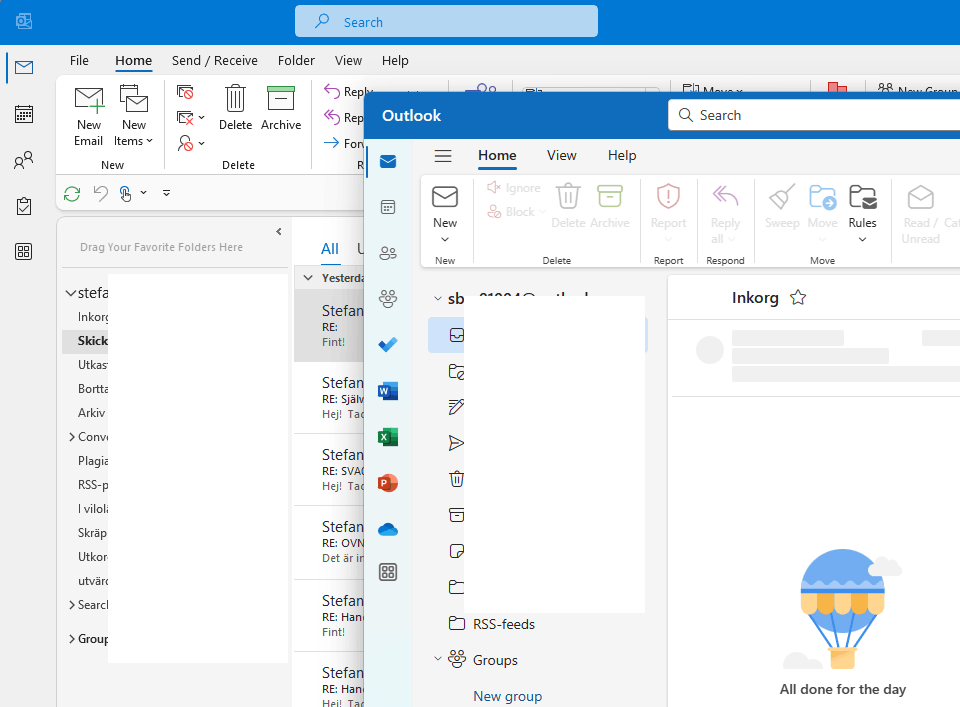
Microsoft Outlook
An email client and personal information manager. Organizes emails, calendars, contacts, and tasks, streamlining communication and scheduling.
Microsoft Teams
A collaboration platform for communication, meetings, and file sharing. Integrates with other Microsoft 365 apps, fostering teamwork and productivity.

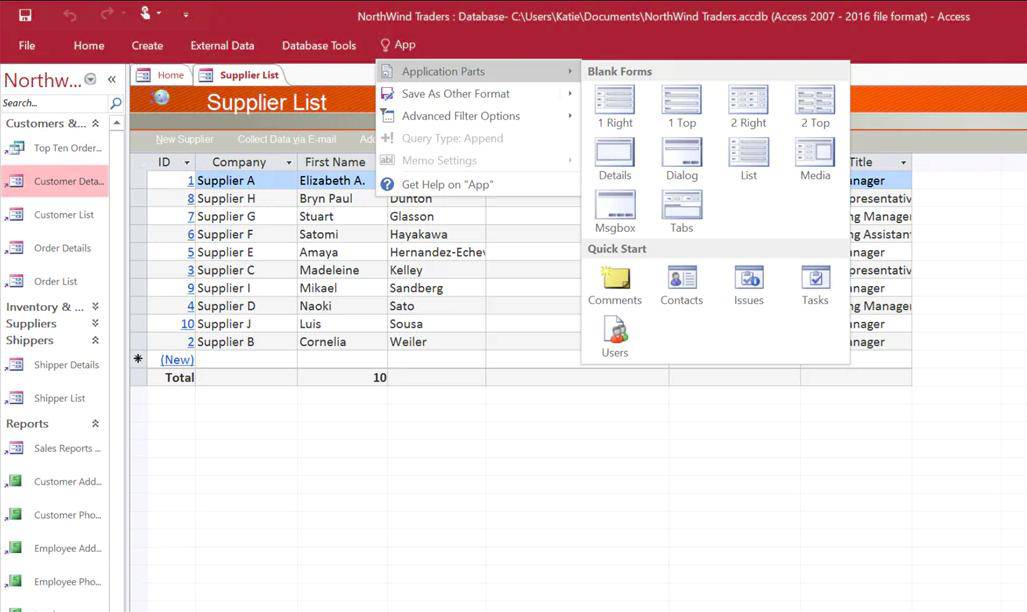
Microsoft Access
A database management system for organizing and analyzing large amounts of information. Suitable for businesses and organizations that need to track inventory, customer data, or other complex data sets.
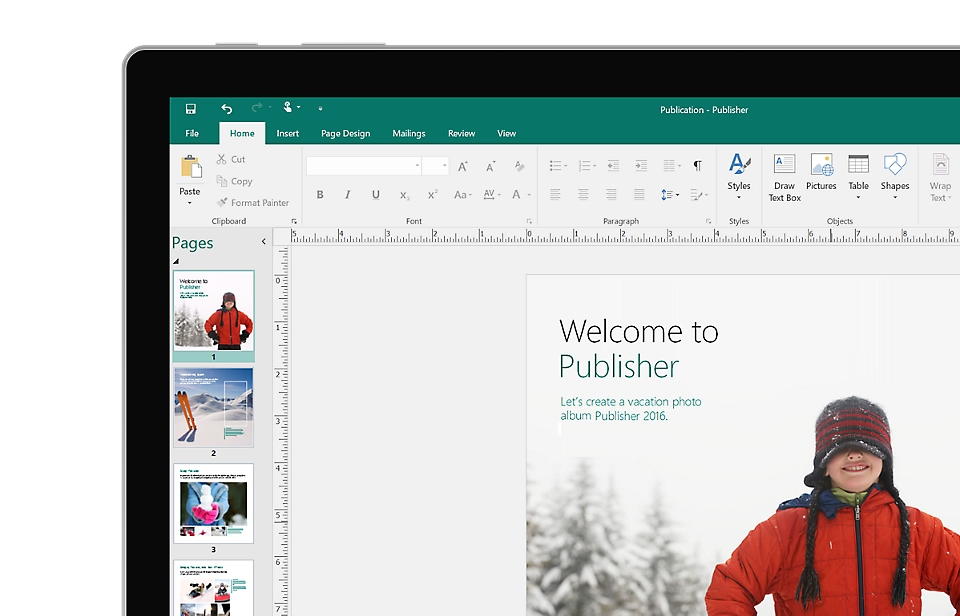
Microsoft Publisher
A desktop publishing application for creating professional-looking documents, brochures, newsletters, and marketing materials.
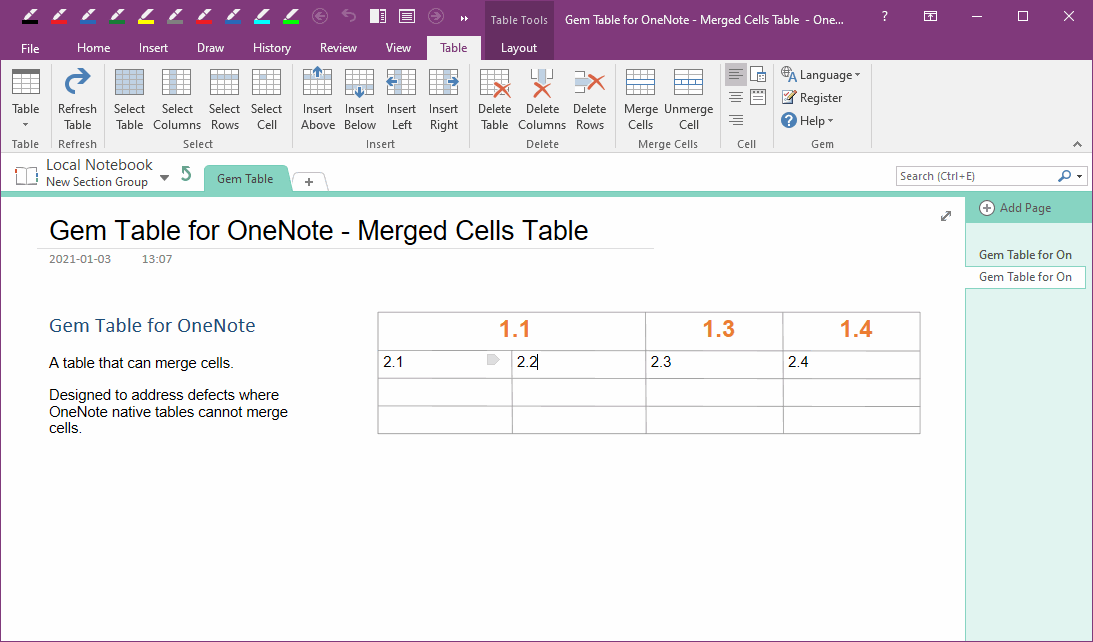
Microsoft OneNote
A digital notebook for capturing ideas, organizing notes, and collaborating on projects. Allows you to insert text, images, audio, and video, making it a versatile tool for brainstorming and information gathering.
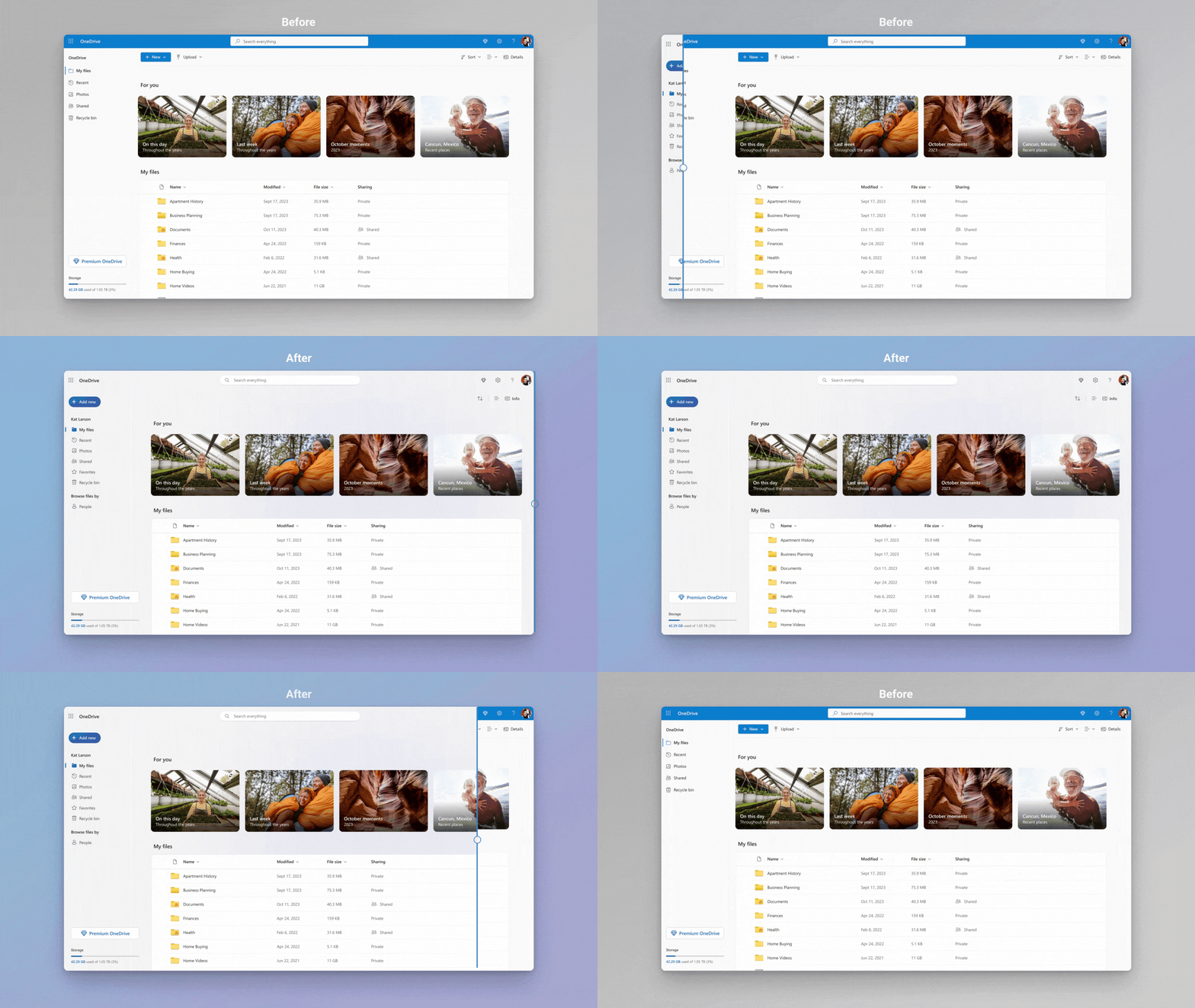
Microsoft OneDrive
Cloud storage service that comes with a Microsoft 365 subscription. You can save, share and access files from various devices.
Other Important Microsoft Software
Beyond the core suite, Microsoft offers a range of other software products catering to specific needs:
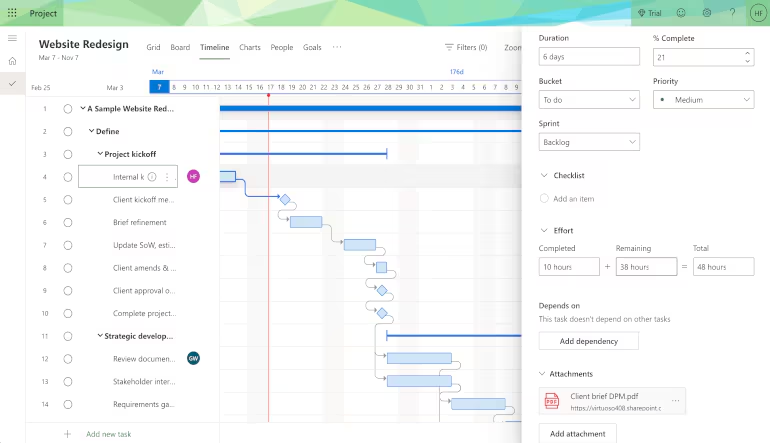
Microsoft Project
A project management tool for planning, scheduling, and tracking projects. Essential for teams working on complex projects with multiple tasks and deadlines.
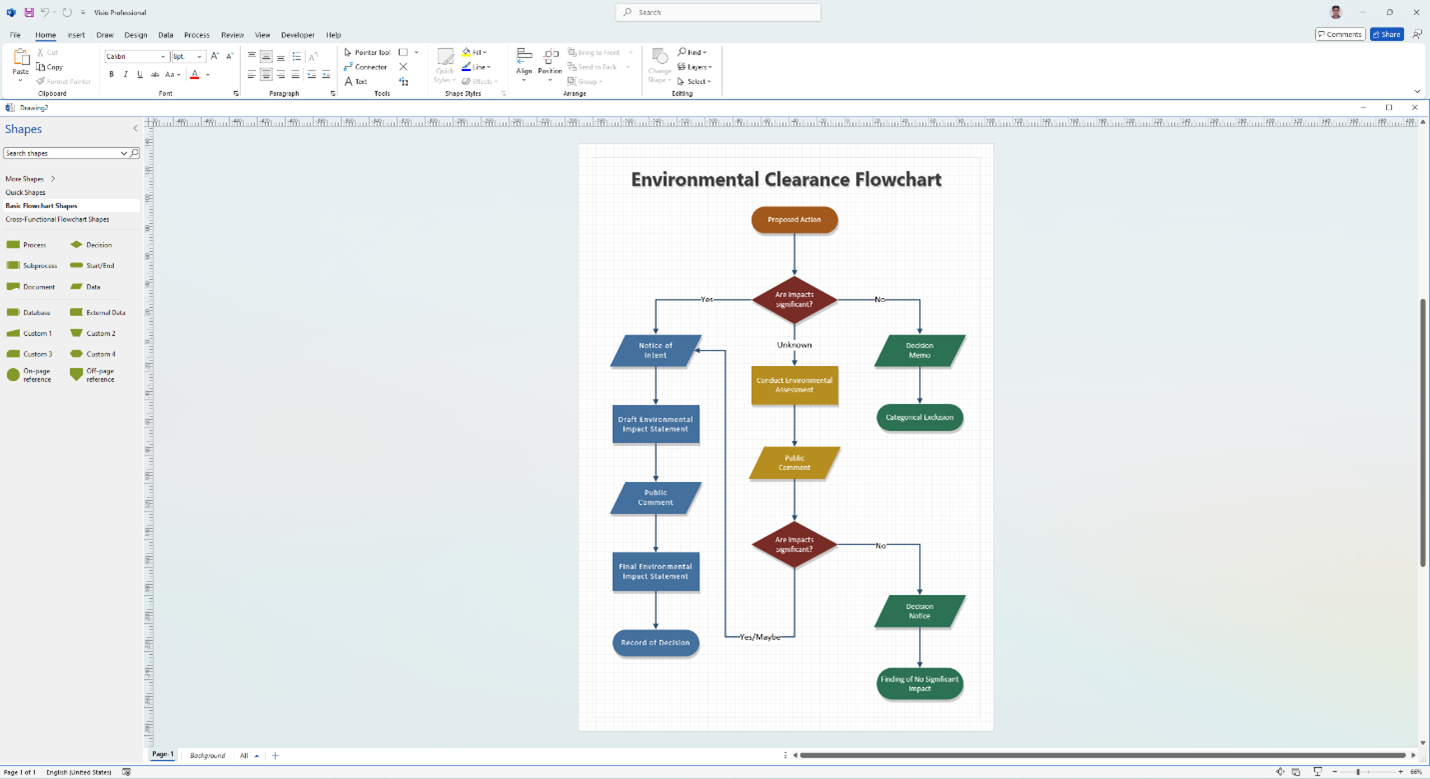
Microsoft Visio
A diagramming tool for creating flowcharts, organizational charts, and other visual representations of information. Helps clarify complex processes and relationships.
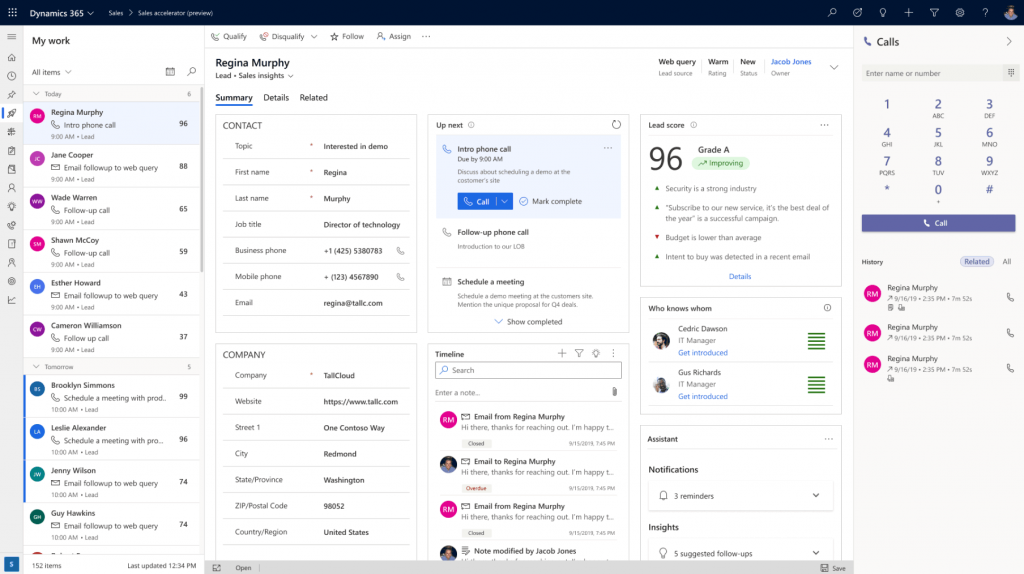
Microsoft Dynamics 365
A suite of business applications for customer relationship management (CRM) and enterprise resource planning (ERP). Streamlines business processes, improves customer engagement, and optimizes operations.
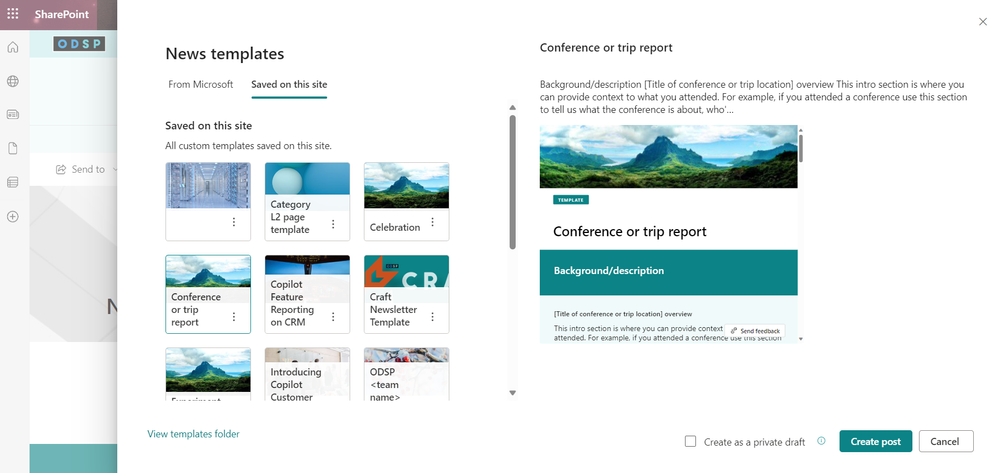
Microsoft SharePoint
A web-based collaborative platform for teams to create and share documents, manage projects, and communicate effectively.
Choosing the Right Plan or Software
Microsoft offers various subscription plans for Microsoft 365, catering to individual, family, and business needs. Consider these options:
- Microsoft 365 Personal: Designed for individuals, includes Word, Excel, PowerPoint, Outlook, OneNote, and OneDrive.
- Microsoft 365 Family: Suitable for families, allows sharing the subscription with up to six people. Includes the same apps as Personal, with additional storage.
- Microsoft 365 Business Basic, Standard, and Premium: Tailored for businesses of different sizes, offering various features like email hosting, team collaboration tools, and advanced security options.
If you don’t need the full suite, you can also purchase standalone versions of some applications, such as Word, Excel, and PowerPoint. However, these versions typically lack the ongoing updates and cloud features of the subscription plans.
Conclusion
Choosing the right Microsoft software involves understanding your needs, exploring the available options, and selecting the plan or individual applications that best fit your requirements and budget. By carefully considering the features and functionalities of each software, you can empower yourself or your team with the tools needed to achieve your goals effectively and efficiently.