
Artificial Intelligence (AI) is rapidly transforming the digital world — and Microsoft is at the forefront of this revolution. From productivity software to operating systems and cloud infrastructure, Microsoft is embedding AI across its ecosystem to enhance efficiency, personalization, and creativity. In this article, we explore how Microsoft is integrating AI into its latest tools and applications — including Windows, Microsoft 365, Azure, and more.
AI in Windows: A Smarter Operating System
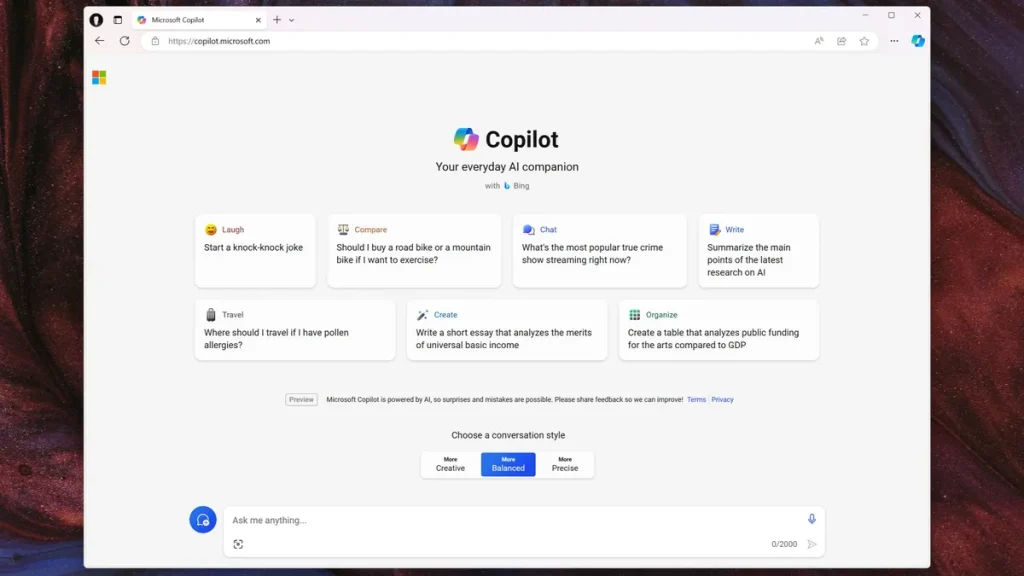
Microsoft has brought AI directly into Windows through features designed to streamline user experience and productivity. The most notable addition is Windows Copilot — an intelligent assistant integrated into the Windows 11 interface, enabling users to get help, summarize documents, launch apps, or adjust settings using natural language.
Other AI-powered features in Windows include:
- Live Captions: Real-time AI-generated captions for audio and video, improving accessibility.
- Voice Access: Control your PC with your voice, using AI to interpret commands accurately.
- Background Blur & Effects: In video calls, AI enhances video quality and applies filters intelligently.
- Suggested Actions: When you copy a date or phone number, Windows offers context-aware actions powered by AI.
Microsoft 365 Copilot: AI for Productivity
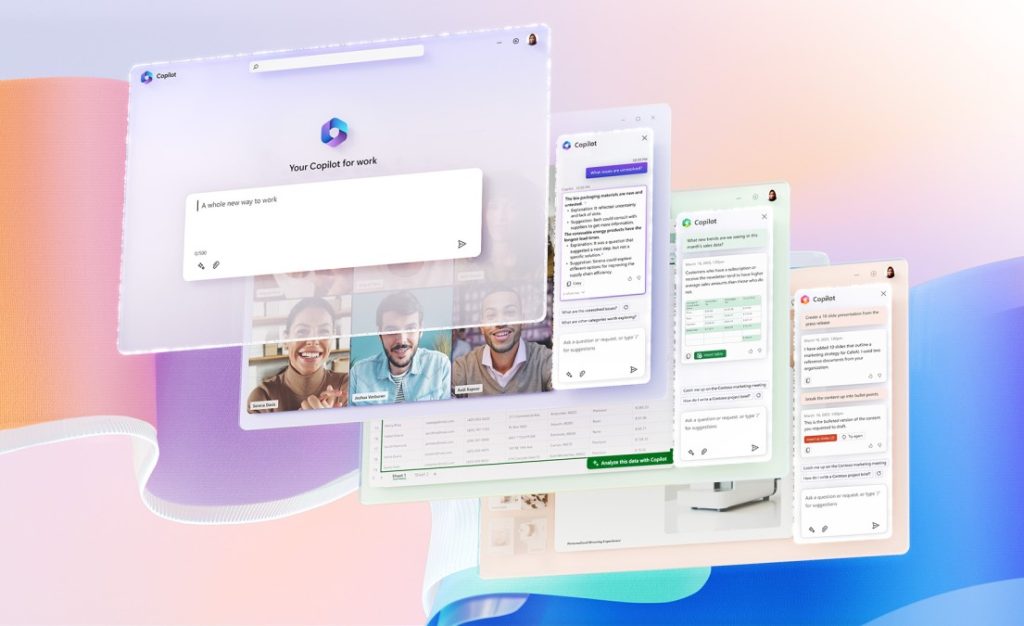
Microsoft’s flagship productivity suite — Microsoft 365 — has seen one of the most impactful AI integrations with the introduction of Copilot. This AI-powered assistant is embedded in apps like Word, Excel, PowerPoint, Outlook, and Teams to help users work smarter, faster, and more creatively.
What Microsoft 365 Copilot Can Do:
- Word: Draft entire documents, summarize content, and rewrite sections using simple prompts.
- Excel: Analyze trends, generate formulas, and visualize data with AI-driven recommendations.
- PowerPoint: Create complete presentations from bullet points or text documents with suggested images and animations.
- Outlook: Summarize long email threads, suggest replies, and prioritize urgent messages.
- Teams: Generate meeting summaries, action points, and real-time transcriptions.
Copilot is not just a chatbot — it’s deeply integrated with your data in Microsoft Graph, ensuring contextual understanding across emails, files, calendars, and meetings.
AI in Microsoft Edge and Bing
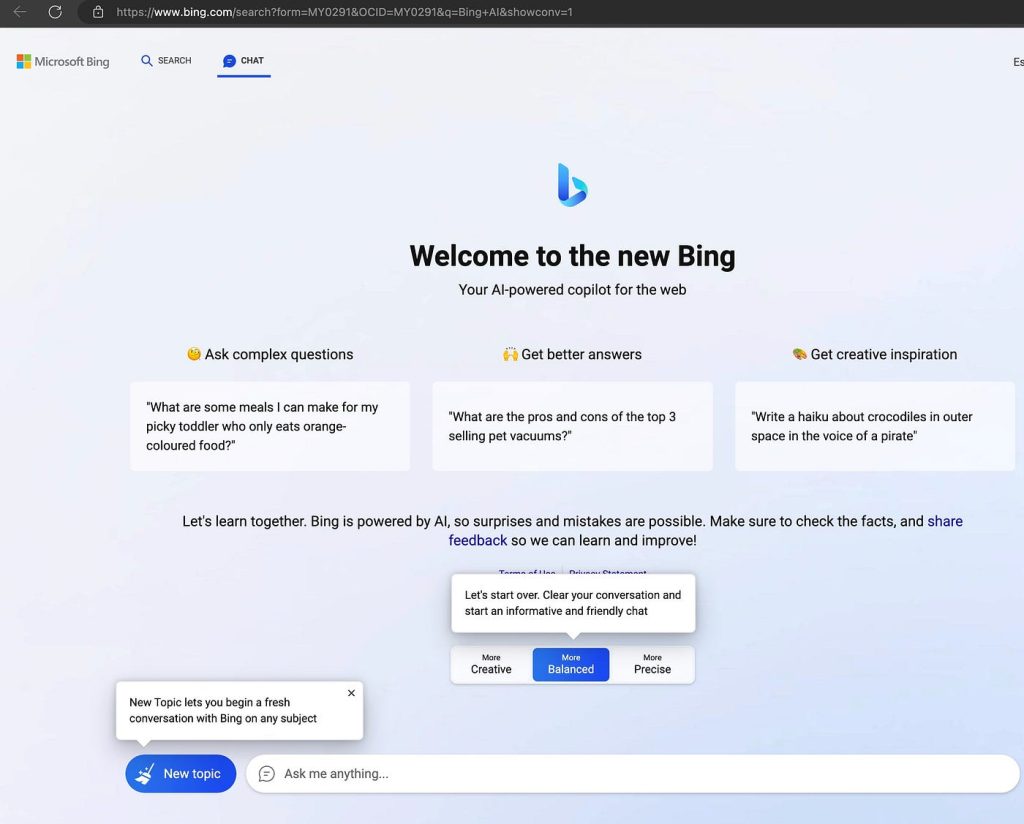
Microsoft has also upgraded its web browsing and search experience with AI. Microsoft Edge and the new Bing are powered by the same OpenAI technology behind ChatGPT, allowing users to have conversational interactions directly within the browser.
Key Features:
- Bing Chat: Ask questions and get conversational responses with citations from the web.
- Compose in Edge: Generate emails, blog posts, or summaries from any website you visit.
- Sidebar Tools: Translate, summarize, or compare prices using AI tools in real time.
Microsoft is reimagining the browser as not just a tool for browsing, but as a smart assistant that helps you do more with less effort.
Azure AI: Powering Enterprise-Grade Intelligence
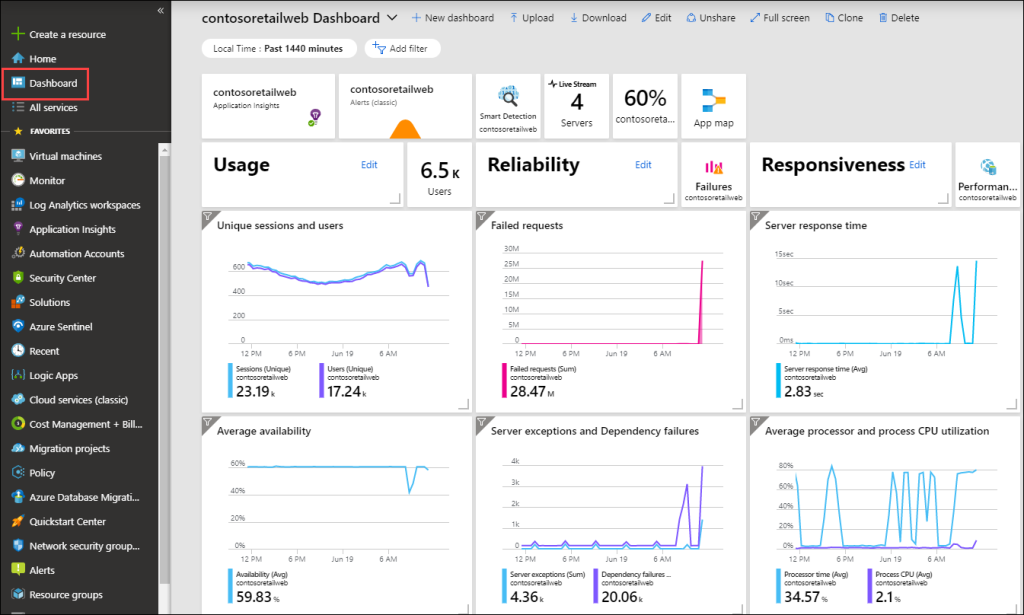
Behind the scenes, Microsoft Azure provides the cloud infrastructure that fuels most of these AI capabilities. Azure AI offers a wide range of services including machine learning, computer vision, natural language processing, and generative AI through OpenAI models.
Azure AI Highlights:
- Azure OpenAI Service: Access GPT models for chatbots, code generation, and language tasks.
- Cognitive Services: Prebuilt APIs for speech-to-text, image recognition, sentiment analysis, and more.
- Custom ML Models: Train and deploy AI models tailored to specific business needs.
- AI Studio: A low-code/no-code platform to build AI solutions quickly.
From startups to Fortune 500 companies, Azure AI enables developers and organizations to embed powerful intelligence into their apps, workflows, and customer experiences.
AI for Developers: GitHub Copilot
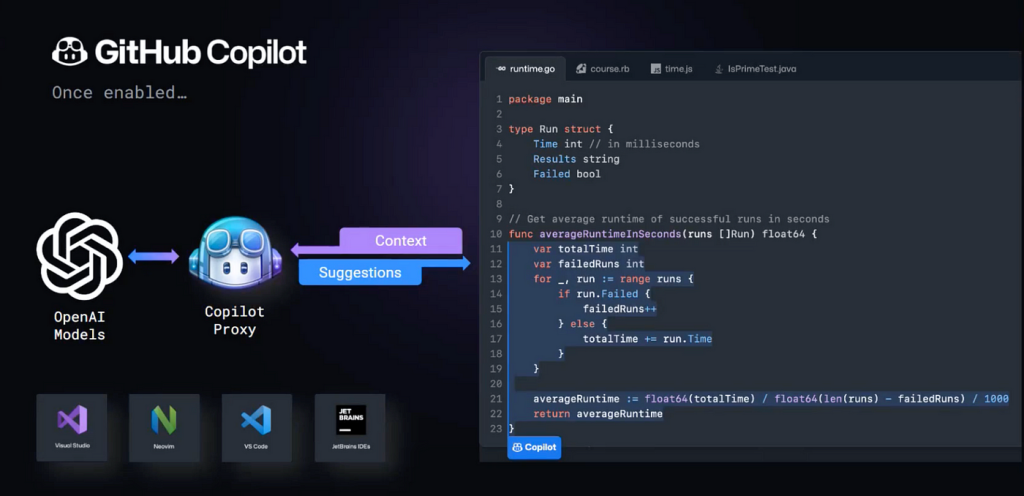
Microsoft also brings AI to the coding world through GitHub Copilot, an AI coding assistant trained on public code repositories. Built in collaboration with OpenAI, Copilot helps developers by suggesting code snippets, completing functions, and even generating entire classes based on prompts.
Benefits for Developers:
- Code faster and reduce repetitive typing
- Improve code quality with AI-driven recommendations
- Support for multiple languages and frameworks
Copilot is now integrated into Visual Studio and Visual Studio Code, making it widely accessible to developers around the world.
Security and Ethics: AI with Responsibility
Microsoft emphasizes responsible AI development. It has implemented ethical frameworks, transparency standards, and user controls across its AI products. Tools like Content Moderator, Azure Responsible AI dashboard, and audit capabilities ensure compliance and fairness in decision-making.
Microsoft is also a founding member of the Partnership on AI and actively works to mitigate bias, misinformation, and misuse of AI systems.
Final Thoughts
Microsoft is not just adopting AI — it’s embedding it deeply across the digital workplace. From enhancing individual productivity in Word or Excel to transforming how businesses leverage data and automation in Azure, Microsoft’s AI strategy is reshaping how we work, learn, and collaborate.
As AI continues to evolve, we can expect Microsoft to push the boundaries even further — creating tools that feel less like software and more like intelligent partners.
Want to try these tools yourself? Look out for Windows updates, sign into Microsoft 365, or explore Azure AI services to experience Microsoft’s AI innovation firsthand.